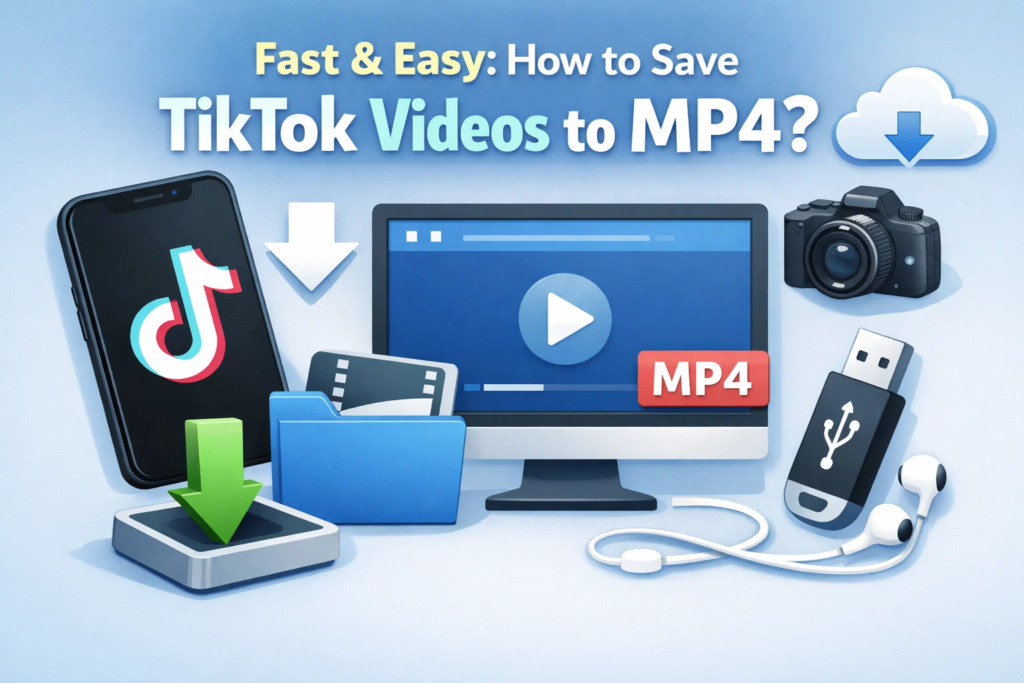
Fast & Easy: How to Save TikTok Videos to MP4?
Fast & Easy: How to Save TikTok Videos to MP4?
TikTok dominates short-form video culture in 2026 with over 1.5 billion active users worldwide, producing countless viral moments, creative tutorials, and memorable entertainment daily. Users frequently want to convert TikTok to MP4 for various legitimate reasons including offline viewing during travel or poor connectivity, content backup before videos disappear or accounts get deleted, archiving favorite moments for personal collections, editing videos for creative projects, and sharing memorable clips outside the TikTok platform.
TikTok’s built-in download option has significant limitations that frustrate users. Downloads include prominent watermarks with the TikTok logo and creator username, creator restrictions prevent downloading if the original poster disabled the feature, and the option only appears for your own videos or those where creators specifically enabled downloading. These limitations drive users toward third-party solutions for saving TikTok video as MP4 files.
Can TikTok Videos Be Saved as MP4 Files?
TikTok stores videos in MP4 format using H.264 codec for compression, making MP4 the native format. However, accessing these files directly requires workarounds since TikTok’s app interface doesn’t expose raw MP4 downloads to protect creator rights and maintain platform engagement.
Understanding the difference between download types helps choose the right method. TikTok’s native downloads save to your device’s photo library but include watermarks and only work when creators allow downloads. Third-party MP4 downloads bypass these restrictions, accessing the source MP4 files directly from TikTok’s content delivery network, usually removing watermarks in the process.
Key factors affecting saving videos include creator download permissions (some creators disable downloads in their privacy settings), account status (public videos download more easily than private or friends-only content), and watermarks and quality limits (official downloads cap at 1080p with watermarks, while third-party tools sometimes access higher quality).
Best Ways to Save TikTok Videos as MP4
Use Desktop Software (Windows & macOS)
Desktop applications provide the most reliable, high-quality TikTok to MP4 downloads. CleverGet Video Downloader stands as the premier choice, offering direct MP4 output in original quality, high-quality downloads supporting HD and Full HD (up to 1080p or higher when available), batch download support for saving multiple videos simultaneously, and downloads from 1000+ websites beyond TikTok.
The basic workflow involves installing CleverGet on your Windows or Mac computer, launching the software and using the built-in browser to navigate to TikTok, playing the video you want to download (CleverGet automatically detects it), selecting MP4 format and your preferred resolution from available options, and clicking download to save the watermark-free file to your specified folder. For multiple videos, add them to the queue for efficient batch processing overnight.
Use Online TikTok to MP4 Converters
Online tools require zero installation and work through any web browser. Popular options include SSSTik.io with over 100 million users monthly, SaveFrom.net supporting multiple platforms, SnapTik offering 4K downloads when available, and MusicallyDown providing both MP4 video and MP3 audio extraction.
The typical process involves opening TikTok and copying the video link (tap Share, then Copy Link), visiting your chosen online converter website, pasting the link into the input field, selecting “Without Watermark” and your desired quality, and clicking download to save the MP4 file to your device.
Pros include no installation required making it perfect for shared computers, works on multiple devices including phones and tablets, and typically free for public videos. Cons involve intrusive ads and pop-ups on most free sites, slower download speeds compared to desktop software, poor support for private videos or restricted content, and potential privacy risks from untrusted websites accessing your data.
Save TikTok Videos as MP4 Using Mobile Apps
Mobile apps automatically detect TikTok links copied to your clipboard, streamlining the download process. Android users find numerous downloader apps in Google Play Store, while iOS users face more restrictions due to Apple’s App Store policies but can use workarounds like Documents by Readdle for iOS 12 and below, or Safari direct downloads for iOS 13+.
Features include automatic link detection eliminating manual pasting, MP4 export options with quality selection, and direct saving to phone galleries. Drawbacks involve extensive permission requests accessing clipboard and storage, app reliability concerns with frequent breaking after TikTok updates, and potential security risks from unknown developers potentially containing malware.
Screen Recording as an Alternative
When direct downloads fail due to DRM protection, private account restrictions, or creator settings blocking downloads, screen recording provides a universal backup method. Built-in tools include iPhone/iPad Screen Recording (Control Center), Android Screen Recorder (Android 11+), Windows Xbox Game Bar, and macOS Screenshot toolbar (Command+Shift+5).
For professional results, CleverGet Recorder captures TikTok videos up to 4K resolution with 320kbps audio, automatic ad filtering removing watermarks and commercials, accelerated recording up to 5X faster than real-time, and scheduled recording for capturing live streams.
Limitations include real-time recording taking as long as the video duration, possible quality loss compared to direct downloads, manual editing required to trim starts and ends, and watermarks remain unless manually cropped out.
Tips for Saving TikTok Videos in the Best MP4 Quality
Always choose the highest available resolution (1080p minimum, 4K when possible) during download. Avoid re-encoding when possible by selecting MP4 output directly rather than converting from other formats. Ensure stable internet connection during download to prevent corruption or incomplete files. Use trusted tools like CleverGet to prevent compression artifacts, audio sync issues, or embedded malware.
Frequently Asked Questions
Can TikTok videos be downloaded without watermark in MP4? Yes, third-party tools like CleverGet Video Downloader and online services like SSSTik remove watermarks automatically. Official TikTok downloads always include watermarks for attribution and platform promotion.
Does TikTok notify creators when videos are downloaded? No, TikTok does not notify creators when third-party tools download their videos. However, official app downloads do generate analytics creators can view showing download counts.
Are downloaded TikTok MP4 files permanent? Yes, MP4 files downloaded to your device remain accessible permanently without expiration dates, unlike TikTok’s official downloads which may sync with your account and disappear if content gets removed.
Is it legal to save TikTok videos for personal use? Downloading your own TikTok videos is completely legal. Saving others’ content for personal viewing falls into a legal gray area but generally doesn’t attract enforcement. However, redistributing, monetizing, or publicly sharing downloaded content without creator permission violates copyright laws and TikTok’s Terms of Service.
Conclusion
Saving TikTok videos as MP4 in 2026 offers multiple approaches catering to different needs. Desktop software like CleverGet Video Downloader provides the most reliable, highest-quality downloads with batch processing capabilities. Online converters offer convenience without installation, perfect for occasional downloads despite advertisement annoyances. Mobile apps streamline the process on smartphones, while screen recording serves as a universal backup when other methods fail.
Choose your method based on download frequency (casual vs. power user), quality requirements (standard vs. 4K), device preferences (mobile vs. desktop), and privacy concerns (trusted software vs. unknown websites). For best results, use reputable tools that respect your privacy and deliver clean MP4 files without malware or excessive compression.
Always remember to respect creator rights and local copyright laws. Use downloads for personal purposes only, credit creators when sharing, and never monetize others’ content without explicit permission. With these tools and ethical guidelines, you can build a personal TikTok collection in MP4 format for offline enjoyment anytime, anywhere.